QuadTrack
A downloadable tool
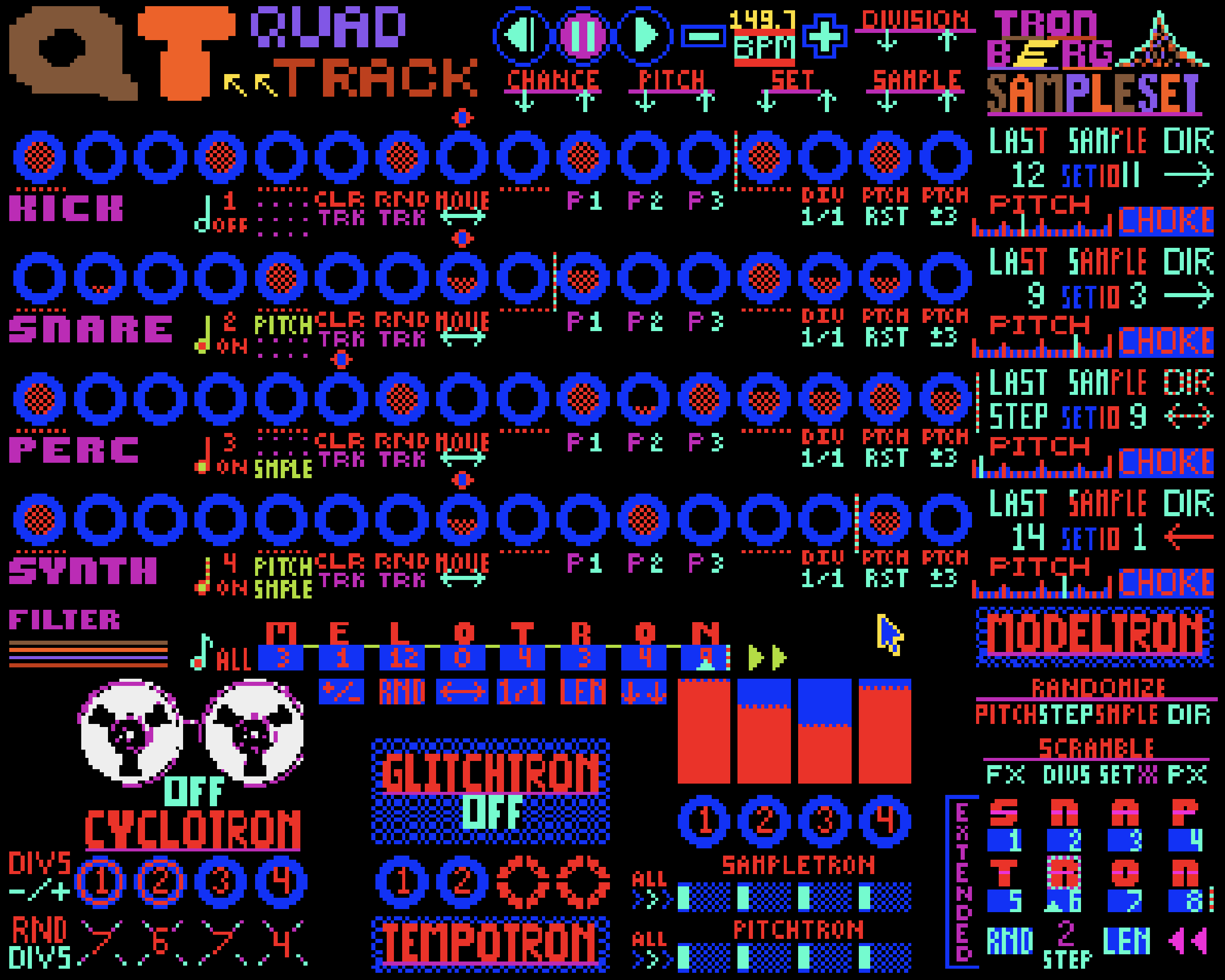
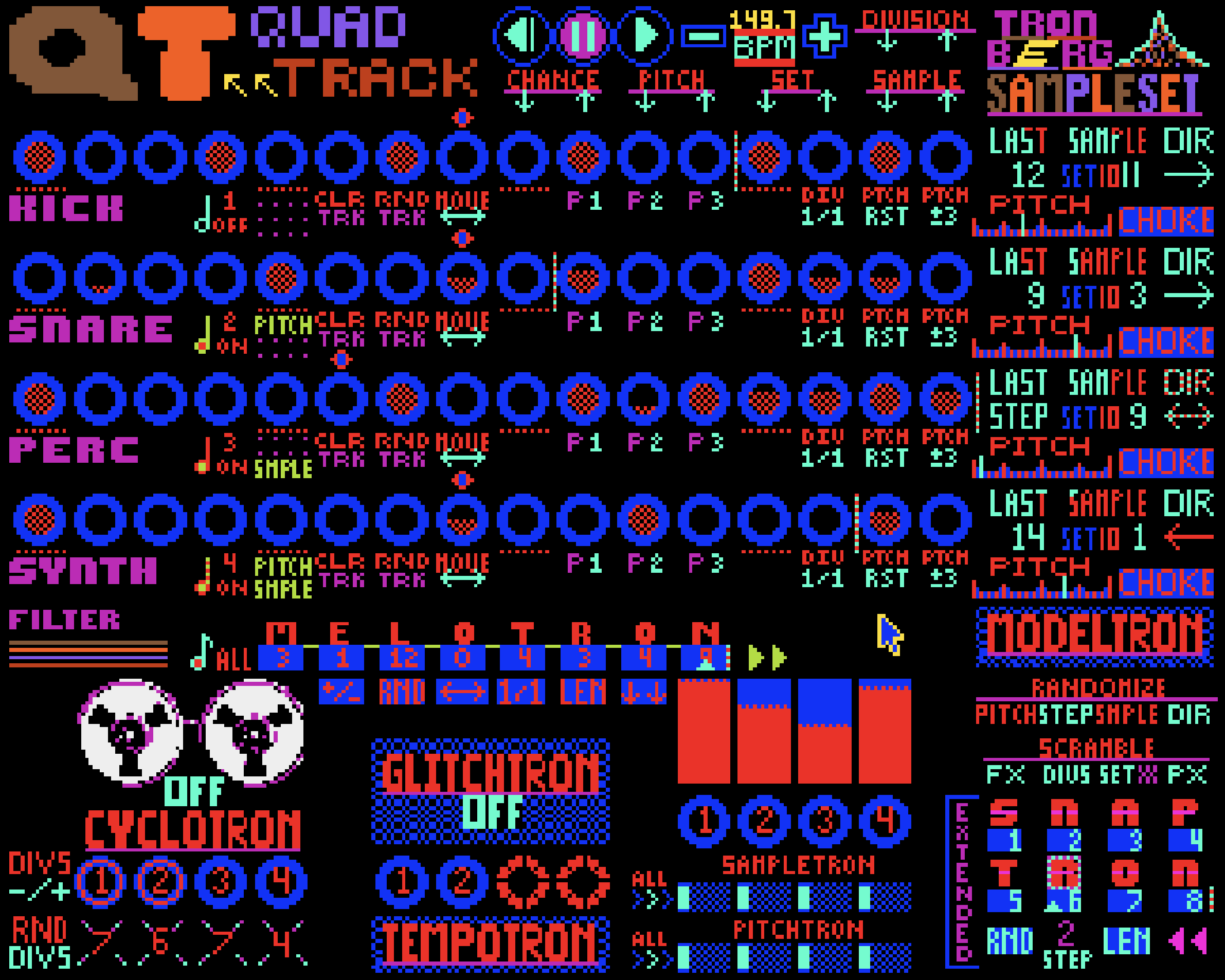
QuadTrack is a Standalone 4-track Dynamic Performance Sequencer, based on the legendary Commodore Amiga Computer architecture and sound. The limitations of Amiga system has been carefully converted into a creative and unique rhythmical playground, to bring the forgotten charm & sound of retro home computers to modern systems.
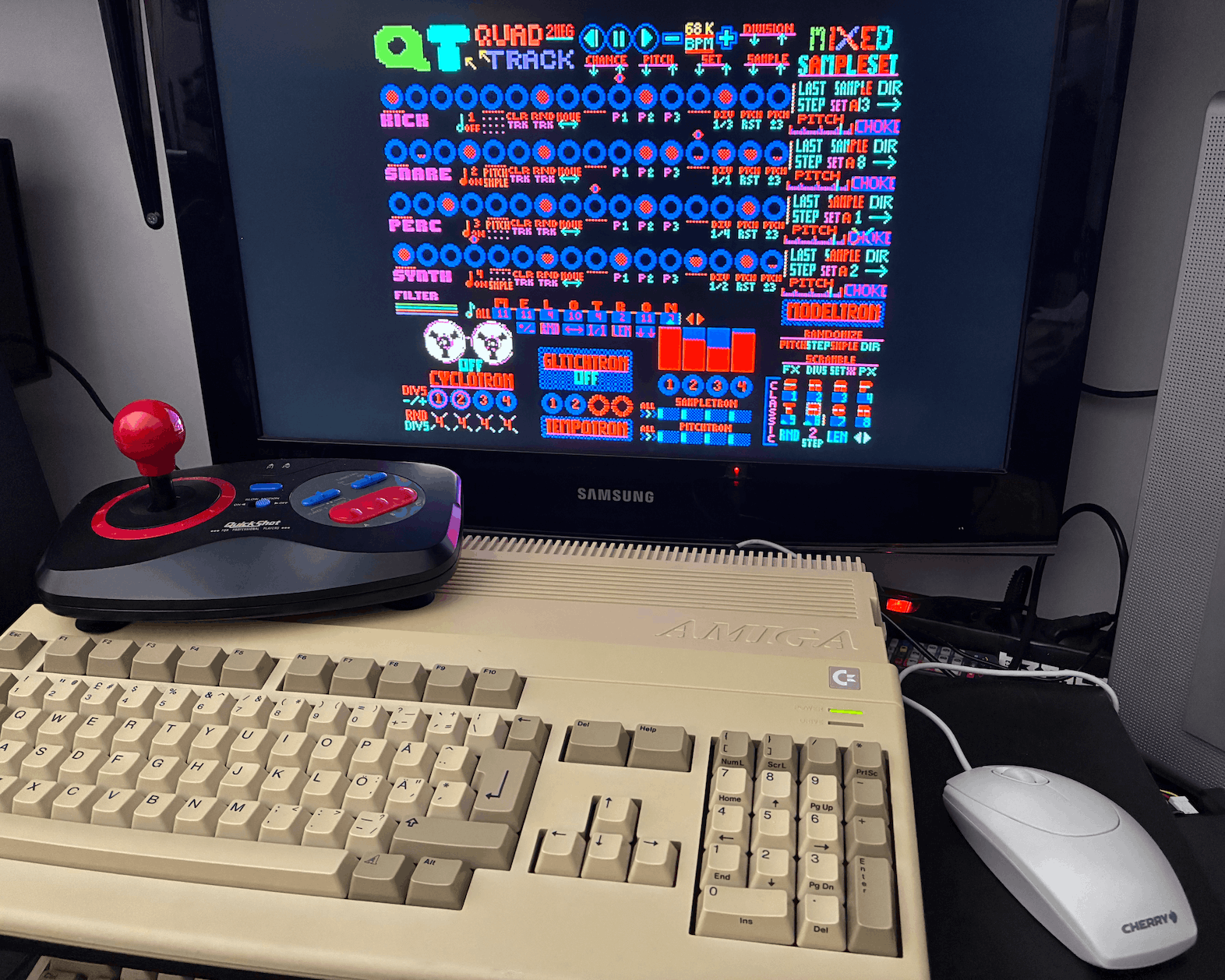
Built for Mac and PC via emulating a super-powered Amiga by FS-UAE - no installation or setup required. Also available for any Amiga with 68040 cpu, 2meg chip ram & 2meg fast ram. A1200 with Pistorm recommended!
QuadTrack is wrapped with FS-UAE Emulation which can also run on Linux. It has not been tested, but technically it should work. If you have a Linux system and would like to try, the demo version can be downloaded below.
Featuring:
- 4 Track Sample Sequencer with individual Step Length, Divisions and Playback Direction
- 640 Samples, divided into 10 SampleSets
- 3 Levels of Step Probability
- 4 Trig Tool types; Step Push, Step Jump, Flip Sample, Flip Direction
- Snaptron; 8 Memory locations to store & compose your beats with its own Sequencer, featuring Step Divisions, Length and Playback Direction
- Glitchtron; Track assignable intermittent repeater
- CycloTron; Track assignable Step looper
- TempoTron; BPM shuffler
- ModelTron; the ultimate randomizer
- MeloTron; 8 Step Sequencer for Pitch & Sample modulation, with its own Step Divisions, Length and Direction
- Pitch & Sample Tron engines to mix up samples and pitches
- Track based Pattern Generators and musically tuned Randomizers
- Keyboard bindings geared towards Performance
- Save and Recall States via FS-UAE Emulation
System requirements:
MacOS 10.13 or higher
Windows xp or newer
Linux is supported by the wrapped emulation FSUAE, but it is not tested
Mouse, keyboard support
Any Amiga with 68040 or higher + 2 meg Chip + 2 meg fast ram
With 2 button joystick and mouse support
Quadtrack is an independent software product by Pink Parrot Studio. All other product names and registered trademarks are property of their respective owners. Pink Parrot Studio is not affiliated with, sponsored by, or endorsed by any other company.
QuadTrack Demo version has all the features included and its fully functional. However, it will restart itself within a random period of time. It can be one of these time periods: 3:03, 5:05, 6:06, 7:07 or 8:08.
Purchase
In order to download this tool you must purchase it at or above the minimum price of 25.00€ EUR. You will get access to the following files:
Download demo

Comments
Log in with itch.io to leave a comment.
Is there any other way to purchase except PayPal? Can't get it that way =((
Hey!
Yea sure, you can do this on Gumroad, here is the link!
https://dataline.gumroad.com/l/Quadtrack
Thank you so much!
Running this on an A1200 with a Blizzard 1230 IV and it seems to work fine on an initial play! Are there problems I'm going to run into being on a 68030 rather than a 68040?
Hey! Thanks for trying QT out!
According to my tests, 030 is probably going to give you a slower experience. The BPM selections wont bar as fast and the mouse could feel a bit sluggish.
This is simply because there is a lot of code running each frame to keep track of all sequencers, FX algorithms and everything else.
Very curios to hear your experience.
Thanks! I'll have a play and see how it performs. :)
Hi. On a NTSC Amiga, the screen is incomplete. Would there be an NTSC alternative ?
hey! Oh wow this looks awesome! Thanks for making this!
There is not a specific NTSC version as of now. But i will make an NTSC version and upload as soon as I'm back in studio next weekend!
Hello! I'm having difficulty installing! I'm getting Error 5 (a permissions issue), have followed the instructions to solve this problem - but the problem remains! Any advice?
Windows 11
Hello! Thanks for trying it out!
There is no installation needed - its only double click RUN QUADTRACK bat file to run QT.
I have not heard about this issue before...
I did a quick research about Error 5 on Win11 and it seems like an administration issue on your system. Have you tried running the RUN QUADTRACK file by right clicking on it and run as admin?
I have not - I will and will get back with the results! Thanks for the response!
Yes! RUN QUADTRACK did the trick! Enjoying the hell out of this crazy-ass program!!
Amazing!! Go full force and stay tuned!
also it doesnt say how to save sequencer info in the manual it just says that you can
hello! Thanks for letting me know, manual is now updated!
On a snaptron, Press right mouse button to save and left button to load.
I see in demo it has sync or hard pan options but not one for both. Does that mean its either one or the other but you cant use both at once? i want to use this in a gig coming up but would need both at once for it.
Ahh thanks again! Yes that's possible!!
I have added another Quadtrack launch version where it will be dualmono mode and sync.
I updated the QuadTrack full version download files. Please re download and see if that helps you.
Thank you for your support :))
Thank u so much! I'm having a lot of fun with it so far btw. I'm planning to try to do a tribute to the 2 desktops and a dj mixer era of hardcore off this and my digitakt if I can get this to work right and I'm very excited. If u have any tips on sequencing hot keys besides the sync key that would be appreciated. I'm planning on trying stuff like sequencing mutes and pattern recall off digitakt so like stuff pertaining to that especially.
Sounds awesome, very happy to hear you are pushing the QT to its max!
Yes, with the Midi2Macro 3rd party app, you can convert any incoming midi notes to keyboard inputs. With this, any of the keyboard functions in QT can be set to be triggered via certain midi notes! I am planning to do a deep dive video about this!
Please let me know how it goes for you
is Linux support a possibility in the future? I have a Mac too, but would be nice if it worked on both.. absolutely love the UI and the sound, is there a palette theme editor of sorts or some palette presets to switch to?
It says in the description that it's emulated via FS-UAE which suggests it is actually an Amiga native application. FS-UAE is available for Linux.
yes QuadTrack is wrapped with FS-UAE, so technically it can on Linux!